Settings and access
Store and branch identity
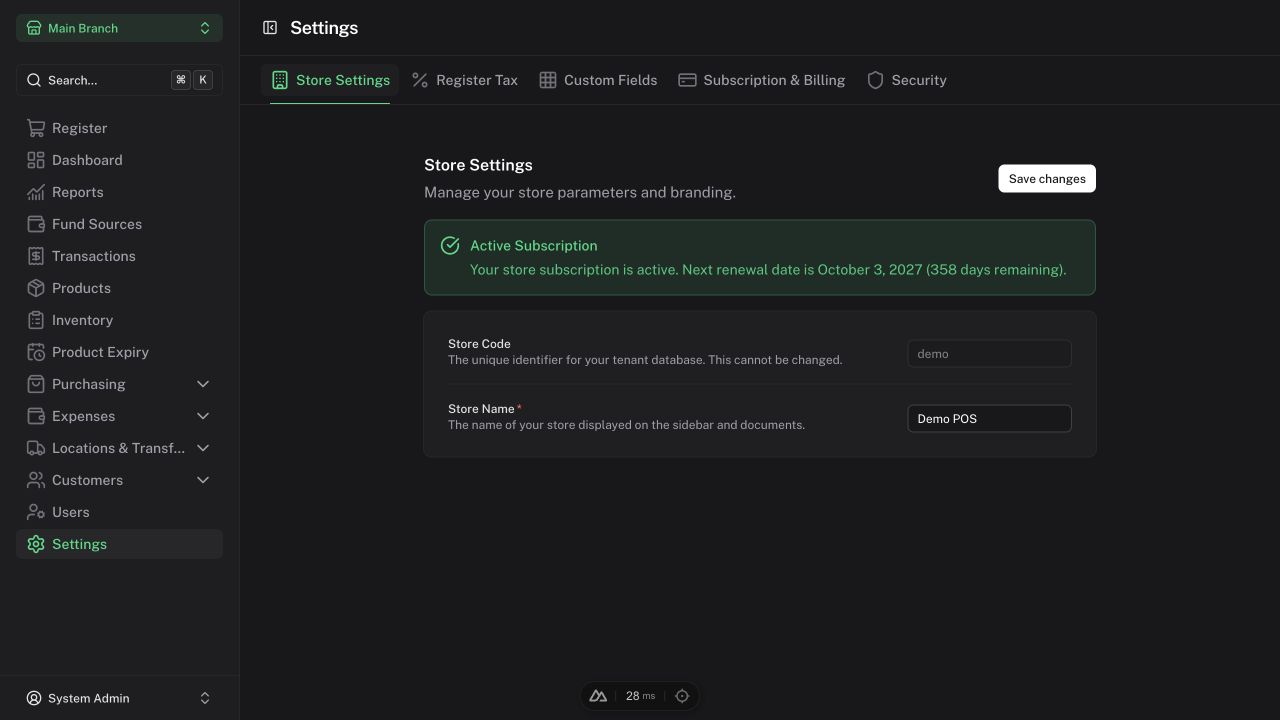
Admins use Settings → Store Settings to update the store name. The store code identifies the business and cannot be changed in this screen.
Complete each branch's TIN and address under Branches. Documents use the relevant branch identity; receipts retain the original sale's financial details.
Register tax policy
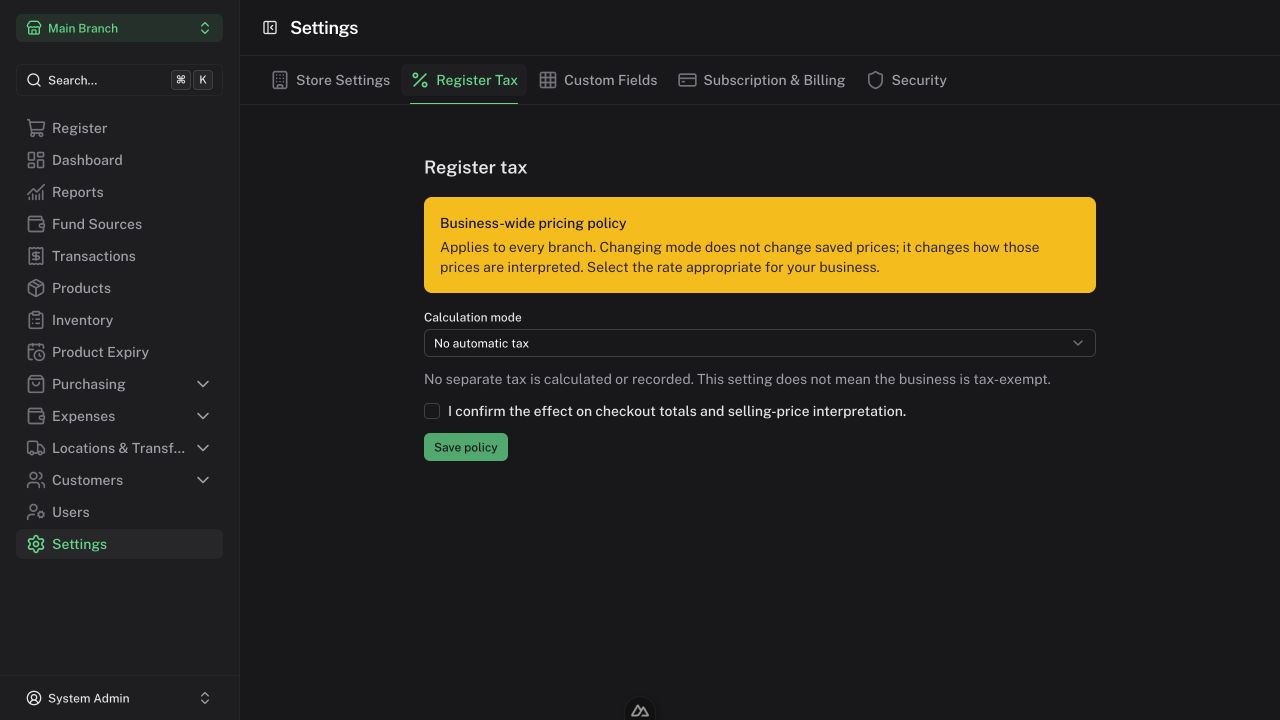
As Admin, open Settings → Register Tax and choose the mode and rate appropriate for your business:
| Mode | Effect |
|---|---|
| On top of price | Adds automatic tax to the discounted subtotal |
| Included in price | Extracts the included tax without adding it again |
| No automatic tax | Does not calculate automatic tax |
The policy applies across every branch and selling unit. Changing it does not change stored prices; it changes their interpretation. Review the pricing effect, acknowledge it, and save.
For illustration, a ₱110 discounted subtotal at 10% produces ₱121 payable with tax on top, or ₱110 payable with ₱10 included tax. This example is not a recommendation for your business's tax rate.
Existing sales and reprints retain their original policy. No automatic tax does not mean the business is tax-exempt. Configuration alone does not establish regulatory compliance.
Staff access
Admins manage users and their branch access. Manager/Cashier assignments are branch-specific. Give each staff member their own account so activity and cashier shifts can be attributed correctly.
| Role | Typical scope |
|---|---|
| Cashier | Register, permitted transaction actions, customers, and collections |
| Manager | Branch operations, reports, preparation workflows, and permitted ordinary noncash payments |
| Admin | Business setup, approval/reversal actions, private staff payouts, and broader reporting/funding access |
Specific actions have additional rules. Consult the relevant chapter; seeing a document does not imply permission to post or reverse it.
Custom fields
Admins configure extra information under Settings → Custom Fields. Required product fields affect product creation and can block the limited CSV import template. Review requirements before importing a catalog.
Subscription and security
Use the visible Security options for your account. Online subscription checkout is currently deferred; the subscription page displays an availability notice. Contact your service provider for access or billing arrangements.